
From photos, with AI
Upload up to 10 page photos and LAMA extracts categories, items, descriptions, and prices.
Loading
 LAMA MENU
LAMA AI reads names, categories, and prices from your photos. Review the result, publish your menu, then manage design, QR codes, ordering, payments, reservations, and delivery from one place.
Why LAMA
A digital menu can be far more than a list of dishes. LAMA turns it into part of the customer experience , a place to discover your menu, choose, build a cart, and continue into ordering, all inside a space shaped by your café or restaurant’s brand.
LAMA01
Your menu isn’t just a list of dishes , it’s part of the identity and experience customers receive from your café or restaurant.
02
LAMA shapes the customer path from discovering the menu and choosing to building a cart and ordering , as one fluid, continuous experience.
03
LAMA aligns the digital experience with your café or restaurant’s physical space, so customers move through one natural, unbroken path.
04
Manage and expand menus, branches, brand appearance and experience, and capabilities , all from one integrated system.
Customer experience
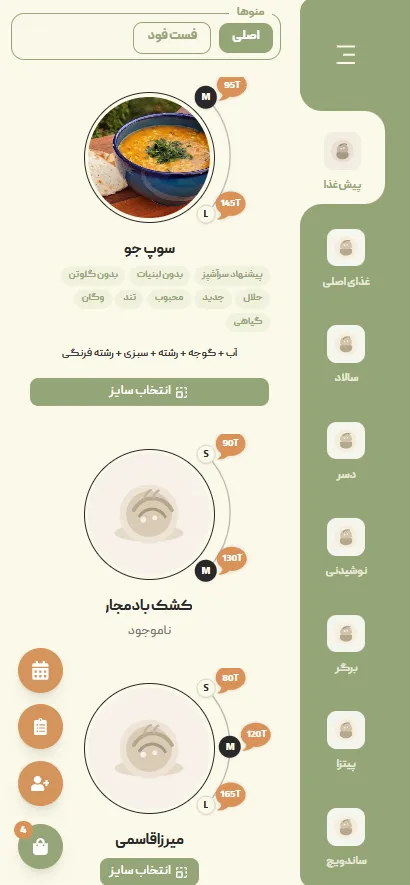
The customer doesn’t just see a digital menu; they enter your café or restaurant’s brand experience. With no app to install, from scanning a QR code and viewing the menu to selecting items, building a cart, placing an order, and paying , everything happens in the phone’s browser along one simple, fluid path.
01
With their phone camera, the customer scans the QR on the table and steps directly into your café or restaurant’s digital world.
02
The menu appears with design, colors, imagery, and layout that match your brand.
03
Customers browse items, see the details, and gather their choices in a cart.
04
Customers review their choices, check the cart, and get ready to place the order.
05
The customer submits the order with table details, and the order path continues in your café or restaurant.
06
From online payment for one order or splitting the bill among several people, customers can cover the order in the way that suits them.
Setup
Doable today , no engineering team required
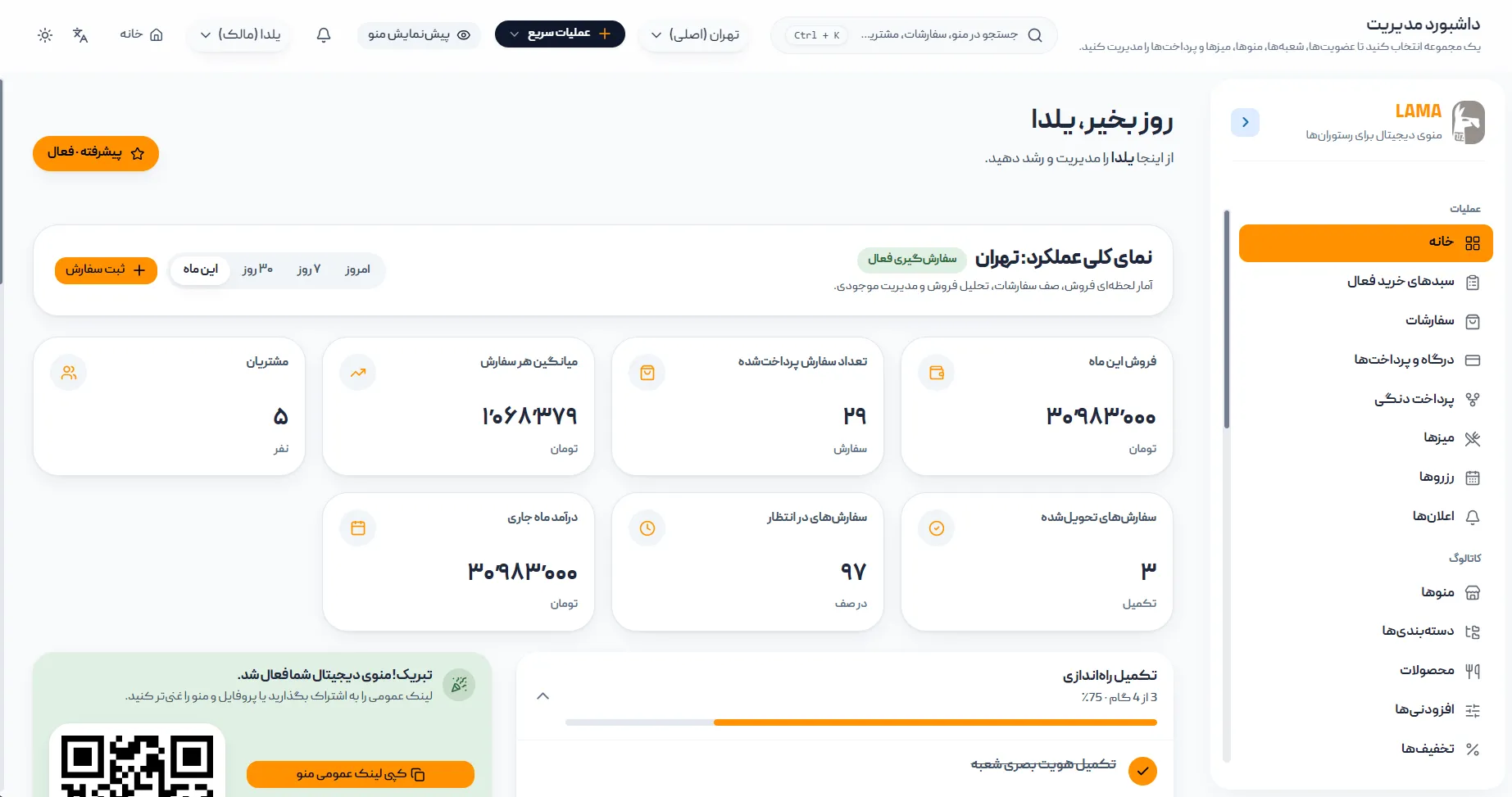
Register your first business in a few minutes.
Add categories, products, and prices, and pick how the menu looks.
Manage each branch separately and create a dedicated QR for every table.
Place the QR codes on your tables; customers can view your menu from that moment.
Visual identity
Choose your favorite among diverse themes. With more than 5 color palettes for each theme, your menu can look exactly the way you want.
75T|Regular
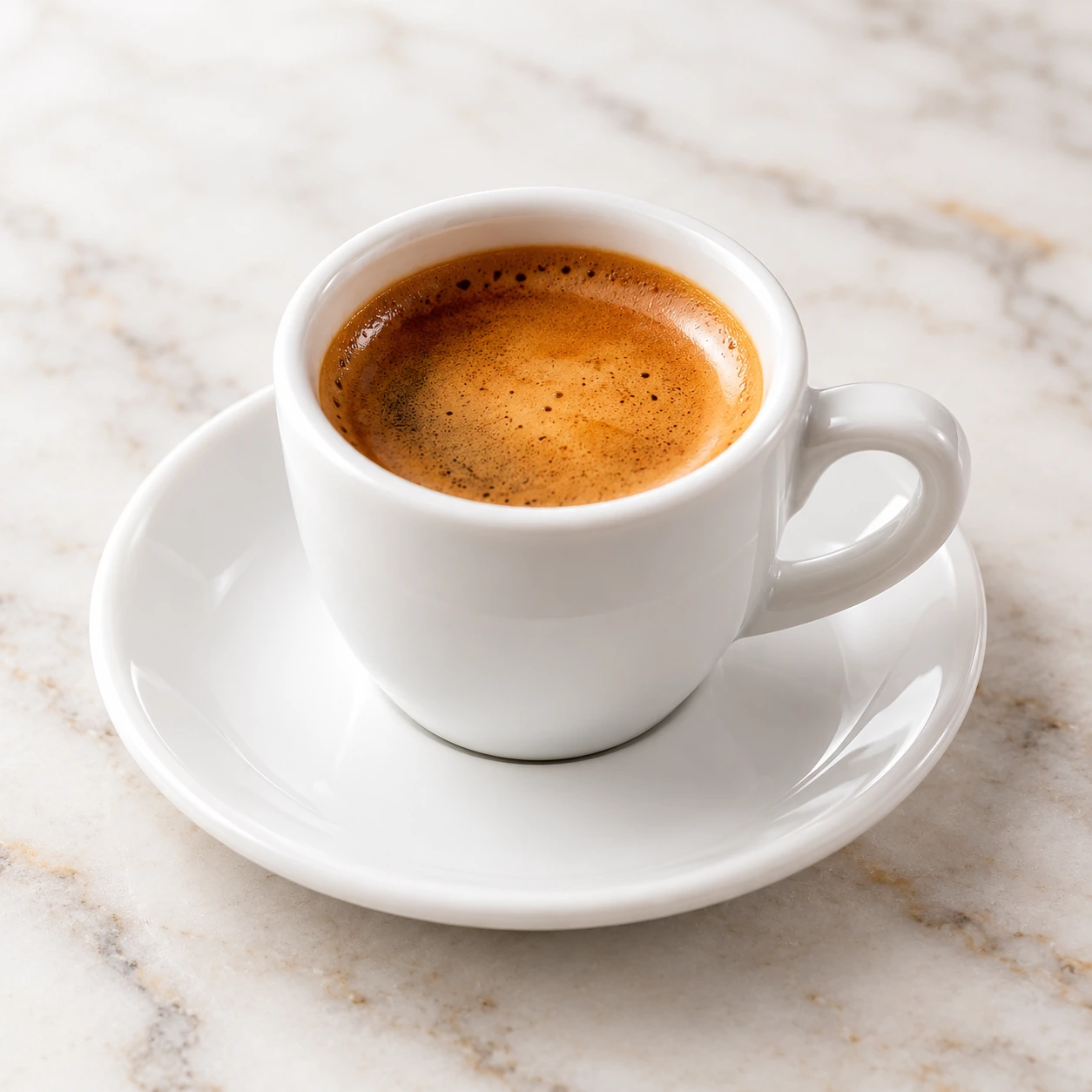
عصارهگیری استاندارد حدود ۳۵ میلیلیتر با کرمای غلیظ و طعم اصیل.
95T|Regular
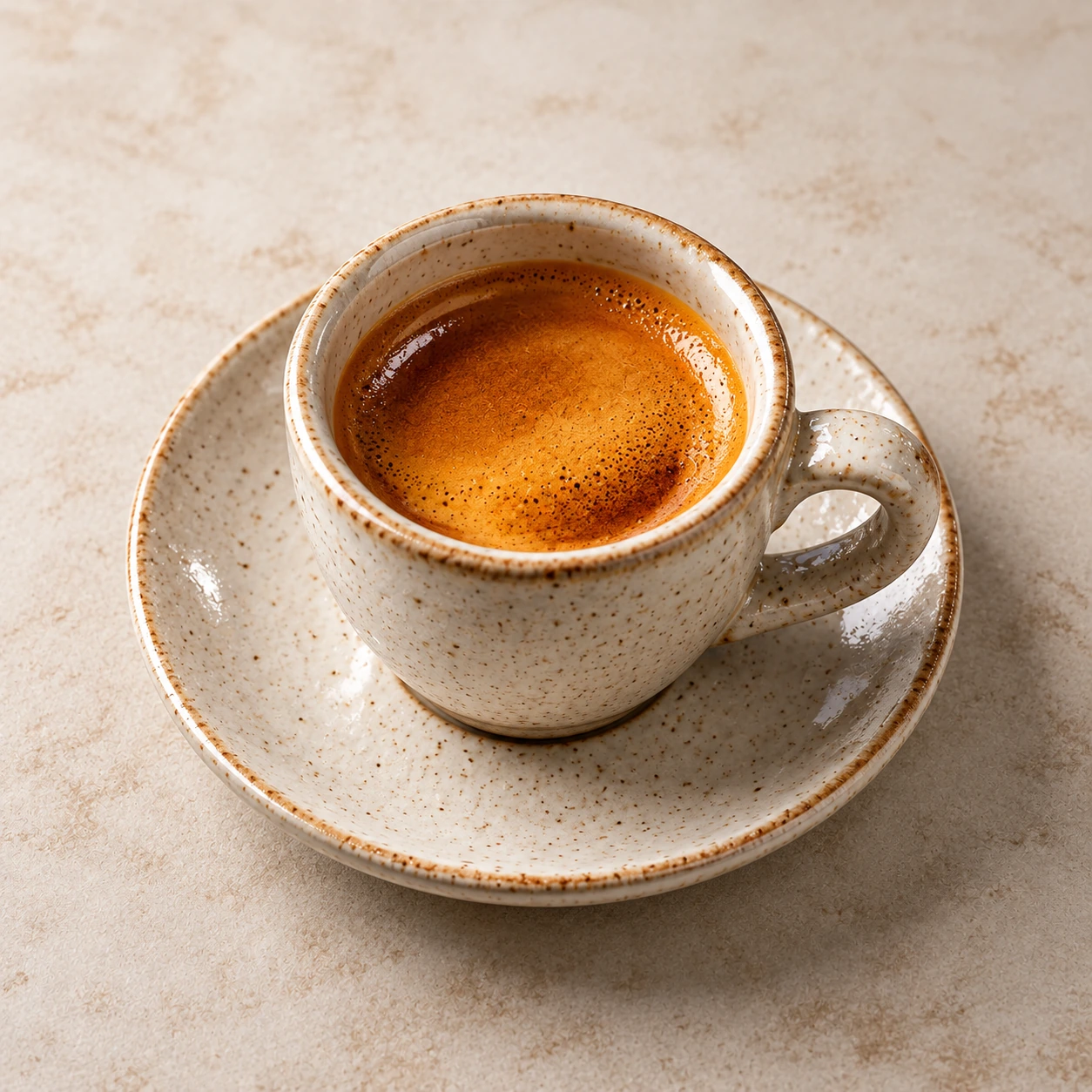
دبل شات اسپرسو مخصوص حرفهایها؛ اسیدیته متعادل و کافئین بالا.
95T|Regular
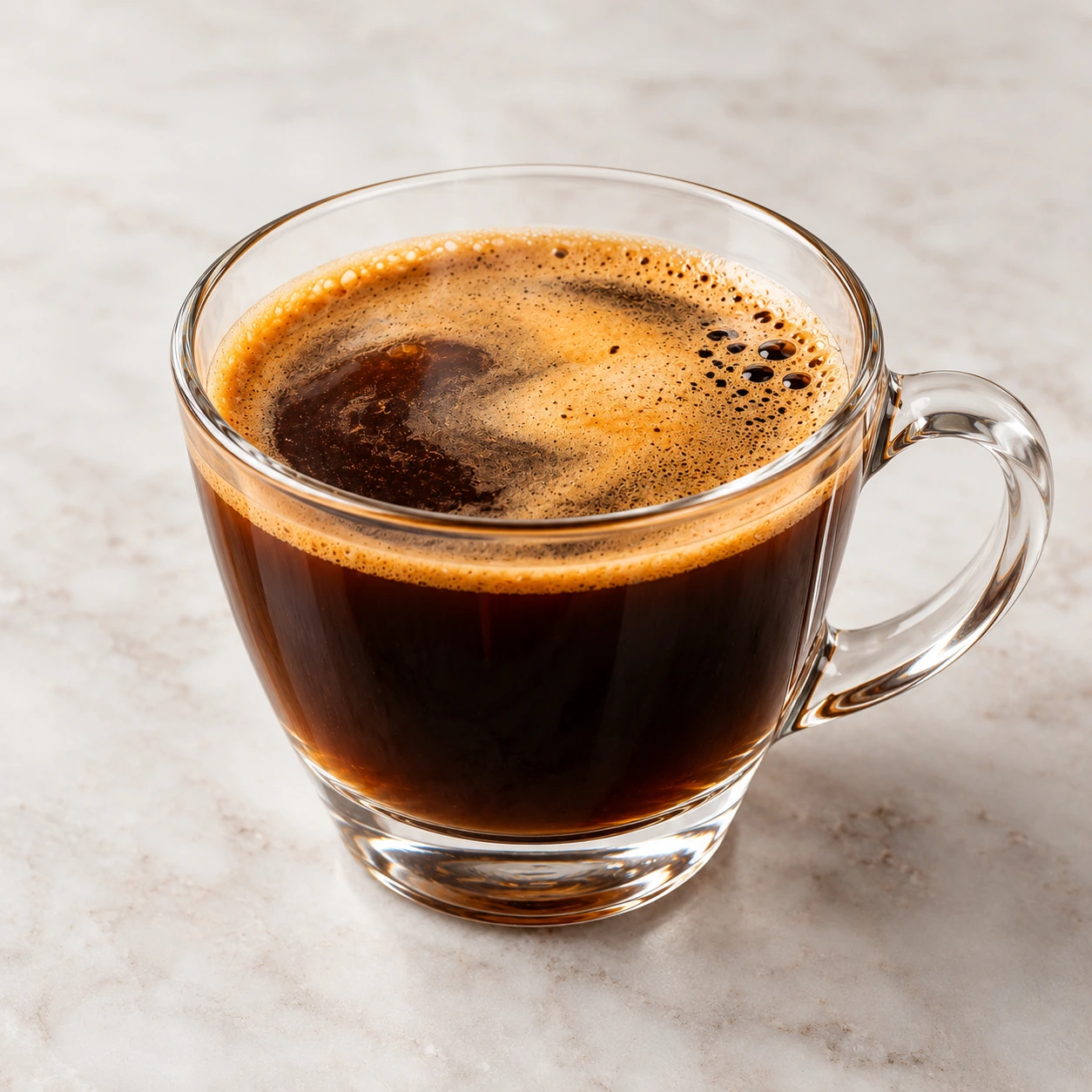
دبل شات اسپرسو با آب جوش تصفیهشده؛ شروعی پرانرژی.
Live preview , synced with your choices
Where LAMA sits
LAMA sits between the customer and the business , making ordering and payment simpler and more modern for customers, while making menu, table, order, and payment management easier for cafés and restaurants.
For the customer
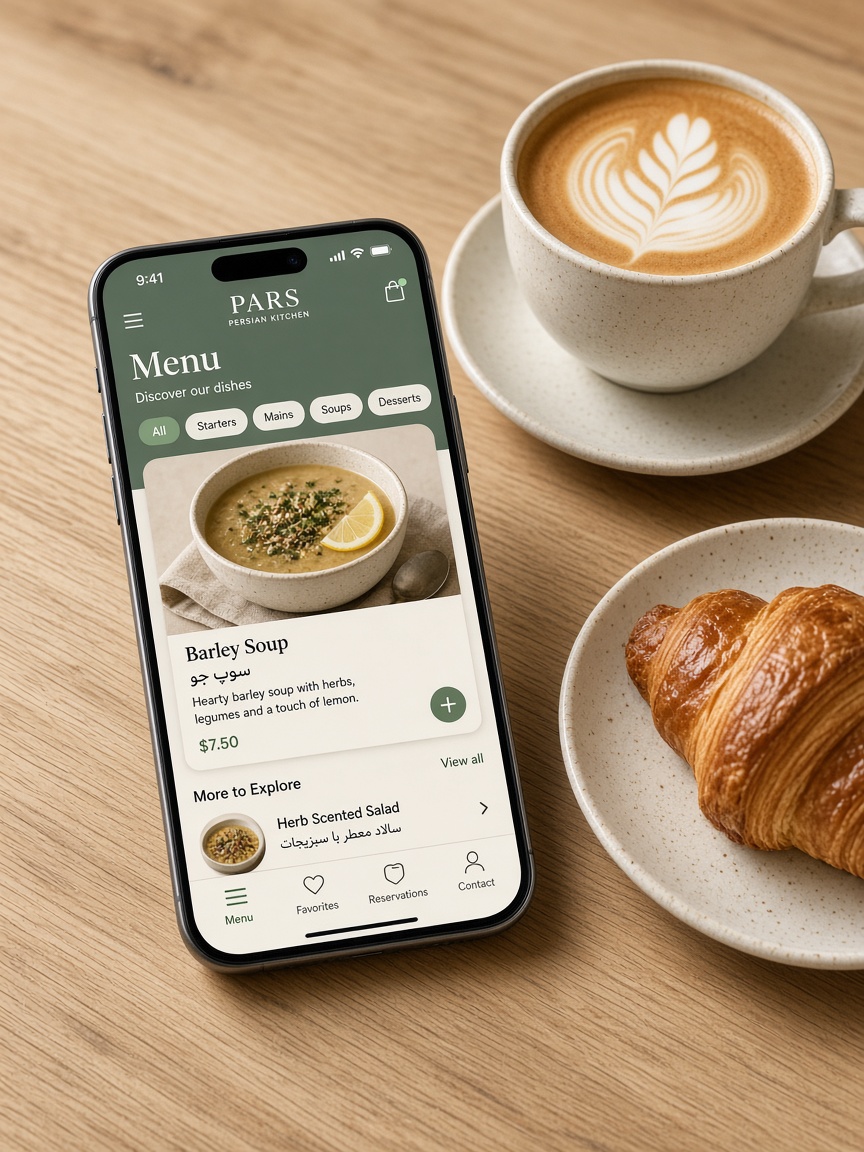
Customers scan a QR code into your restaurant’s dedicated menu and follow their own order path , without a paper menu or waiting for every step.
For cafés and restaurants
LAMA is not only what customers see. Through the admin panel, you manage the menu and ordering experience without getting tangled in a complicated system.
A new layer , not another system for everything
Customer
LAMA
Business
The digital layer between customer experience and restaurant operations
LAMA focuses on what happens between you and the customer: menu, tables, orders, and payments.
You do not need to set aside the tools you already use, or start a complex project to launch LAMA. Alongside the systems you use today, LAMA can add a digital customer experience and ordering from the table.
Multi-branch
Each branch has its own menu, QR codes, and tables; team roles control who manages what.
FAQ
LAMA is a multi-tenant digital menu platform for cafés and restaurants. You publish a branded menu on your own public link and table QR codes. On Advanced, guests can continue from cart to order, online payment, pickup or restaurant self-delivery , with floor tools, inventory, and accounting in the same panel.
No. The public menu opens in the phone’s browser. Guests browse, build a cart, and , on Advanced , order and pay without installing anything.
Basic is digital menu plus guest cart through cart confirmation , no guest order or payment. Advanced adds guest orders (dine-in, pickup, self-delivery), online payment via Zibal with phone OTP before checkout, coupons, reservations, waiter table orders, inventory, accounting, and the post-pay order board.
LAMA is built so you don’t need a separate product just for digital menus and guest ordering. Advanced also covers floor requests, reservations, inventory, and accounting. If you already use a kitchen printer or another system, you can keep it alongside LAMA.
Yes. One account can run several branches, each with its own menus, tables, and QR codes. When more than one published branch is open to guests, they pick a branch first; QR and invite links go straight to the right branch.
Get started
Build your first digital restaurant menu today and create a better experience for your customers.